MacBookProNotBooting?HowWeFixedaFailingSSDinRaleigh
MacBook
Pro
Not
Booting?
How
We
Fixed
a
Failing
SSD
in
Raleigh



At TechTrekkersRaleigh, we know that even the most reliable devices can run into unexpected problems. Last week, one of our local clients experienced a critical issue with their MacBook Pro that brought their workflow to a halt. This blog post explains the problem, how we diagnosed it, and the solution we provided, along with some tips to prevent similar issues in the future.
Our client, a small business owner in Raleigh, reached out to us when their MacBook Pro failed to start. Pressing the power button only displayed the Apple logo briefly before the screen went black. All essential files for their business were on this device, including client documents, spreadsheets, and emails.
Upon initial inspection, it was clear that this wasn't a typical software glitch. The system was not entering recovery mode, and attempts to boot from an external drive failed. For a small business relying on this MacBook, downtime could mean lost productivity and revenue.
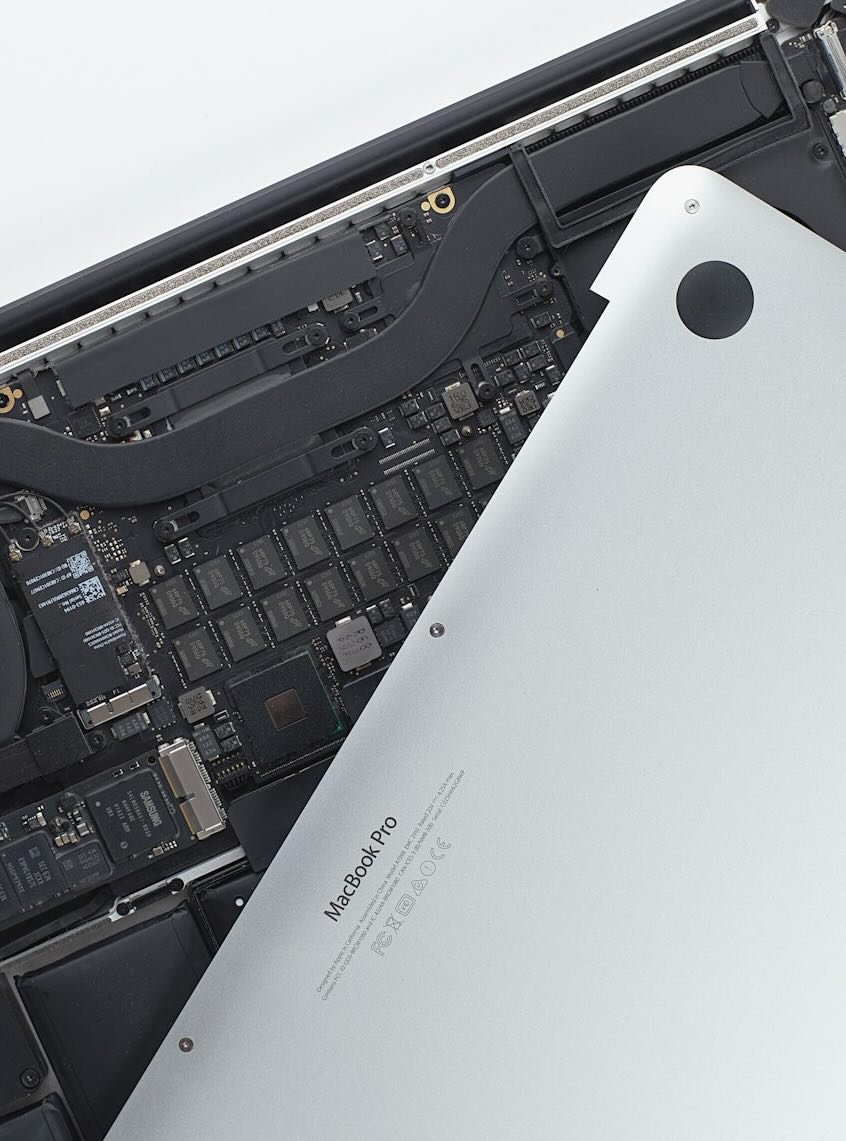
Our technicians at TechTrekkersRaleigh began by running hardware diagnostics to identify the root cause. The results indicated that the MacBook's SSD (solid-state drive) was failing, which was causing data corruption and preventing the macOS from booting properly.
In addition, the corrupted drive meant that some system files were missing or damaged, which is why standard recovery procedures didn't work. This type of issue is common in MacBooks older than three years or heavily used for high-volume tasks, and it requires careful handling to avoid permanent data loss.
Once we confirmed the failing SSD, our first priority was to secure the client's data. Using specialized recovery tools, we were able to extract critical files, including documents, email archives, and project files. This step is crucial because SSD failures can sometimes escalate quickly, making data retrieval more difficult if delayed.
After successfully backing up the data, we installed a new high-performance SSD compatible with the MacBook Pro model. We then reinstalled macOS and restored the client's files, applications, and settings. Within a few hours, the MacBook was running like new, and the client was able to resume their work with minimal disruption.
Mac computers are reliable, but like any device, they require maintenance. Here are some tips from TechTrekkersRaleigh to prevent similar issues:
Mac repair issues can be stressful, especially when your device contains essential business data. At TechTrekkersRaleigh, we provide fast, reliable Mac repair services for businesses and individuals in Raleigh, NC. From data recovery to hardware replacement and system optimization, our team ensures minimal downtime and maximum protection for your devices.
If you are experiencing issues with your MacBook or other Apple devices, contact TechTrekkersRaleigh today for expert assistance and peace of mind.