ComputerKeepsRestartingRandomly?Here'sWhatItMeansandHowtoFixIt
Computer
Keeps
Restarting
Randomly?
Here's
What
It
Means
and
How
to
Fix
It



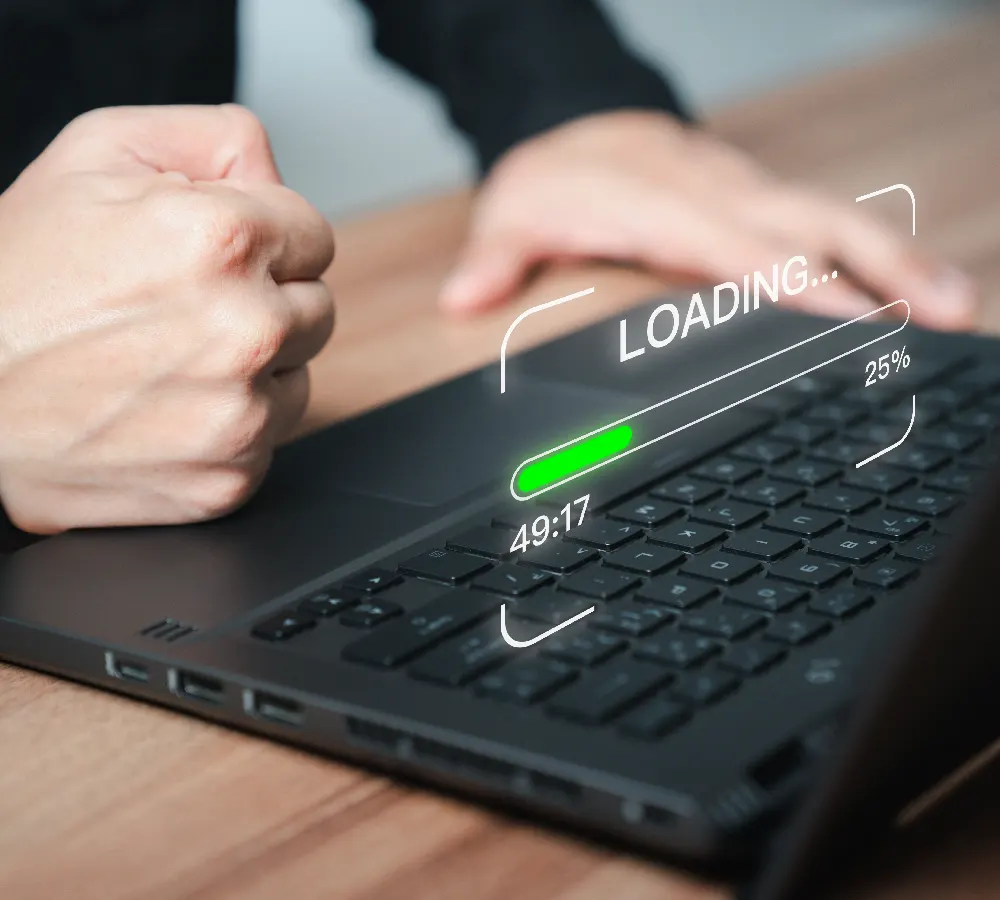
A computer that keeps restarting randomly is more than an inconvenience; it could indicate hardware or software issues that may lead to data loss. We see this frequently in Garner, Clayton, and Knightdale among both home users and small businesses.
Start by ensuring your computer is clean and well-ventilated. Use compressed air to clear dust from vents and fans. Check if your drivers and operating system are up to date, as outdated drivers often conflict with new software.
If overheating isn't the issue, run a malware scan using a reliable antivirus program. Malware can cause forced restarts to disrupt your use or install further malicious programs.
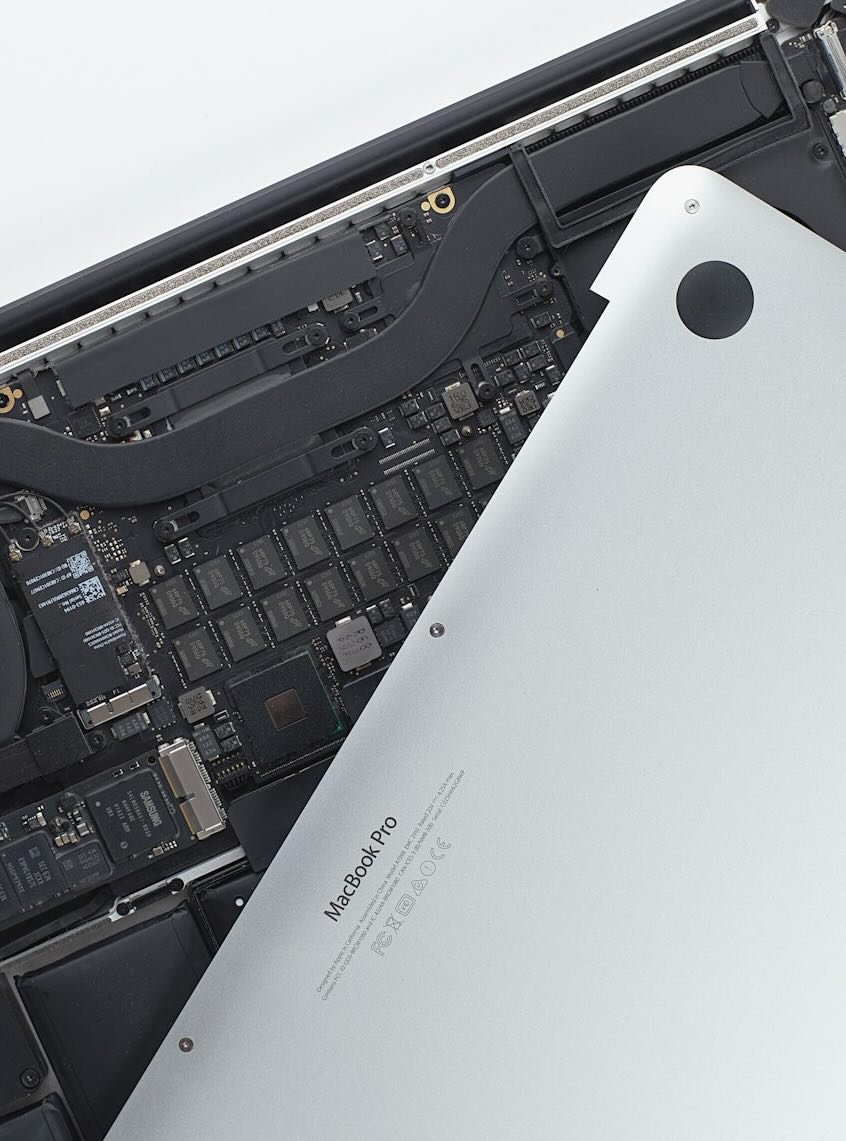
When the problem persists, it could be hardware-related. At Tech Trekkers Raleigh, we offer computer repair services including diagnostics, RAM and hard drive testing, and PSU replacement if needed. We also back up your important files before repairs to protect your data.
If your computer in Raleigh or nearby areas keeps restarting and disrupting your workflow, contact us for a professional diagnostic and repair. We ensure your system runs smoothly without frustrating interruptions.